Your Ooredoo Money Card is Here!

Use it for shopping, travel, online payments, and anywhere Mastercard is accepted.


Just apply in the Ooredoo Money app.

Download now

Why Get This Card?

Shield

Safe

Secure payments backed by Mastercard.

Bolt

Fast

Instant card

access. Use instantly once activated.

Global

Flexible

Shop online,

in-store, or use at ATMs—worldwide.

Bill check

Simple fees

Only one time
20 QAR for the card

How to Get It

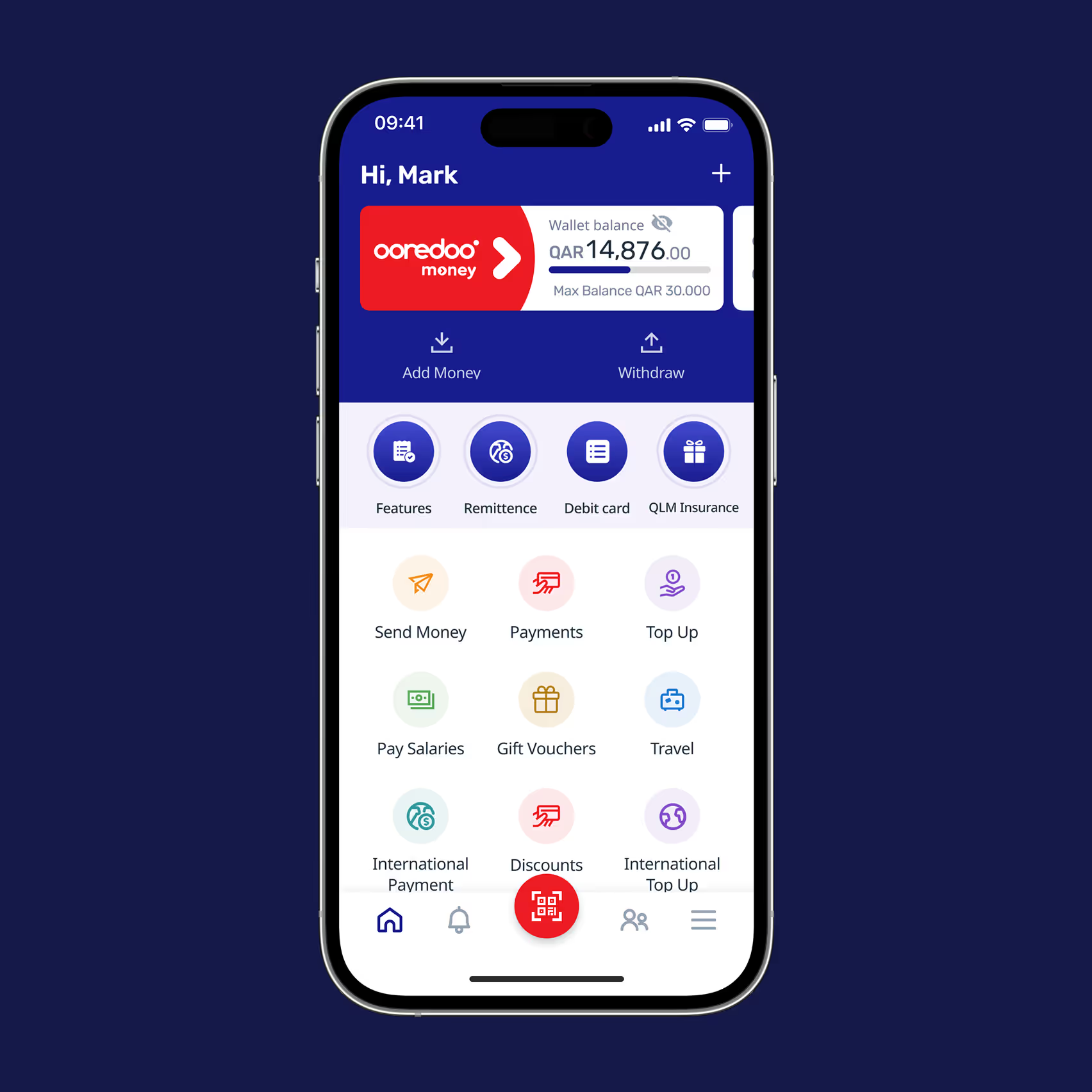
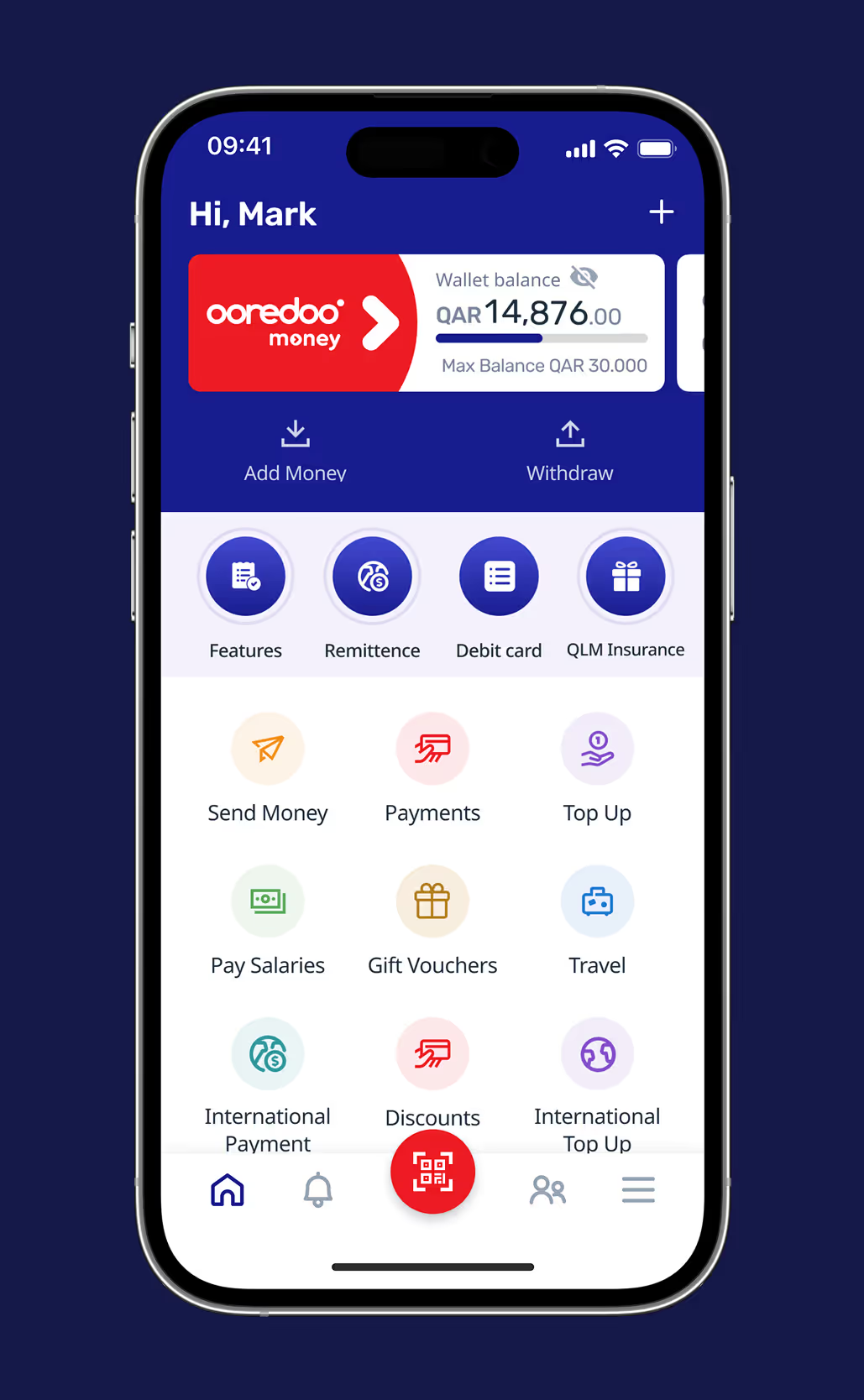
Mobile screen showing Ooredoo Money wallet with a balance of QAR 14,876, options to add money, withdraw, and various financial services like remittance, debit card, insurance, payments, travel, and discounts.Mobile app screen showing Ooredoo Money wallet with a balance of QAR 14,876, options to add money or withdraw, and icons for features like remittance, debit card, insurance, send money, payments, top up, pay salaries, gift vouchers, travel, international payment, discounts, and international top up.

Step 1

Open your Ooredoo Money app.

Step 2

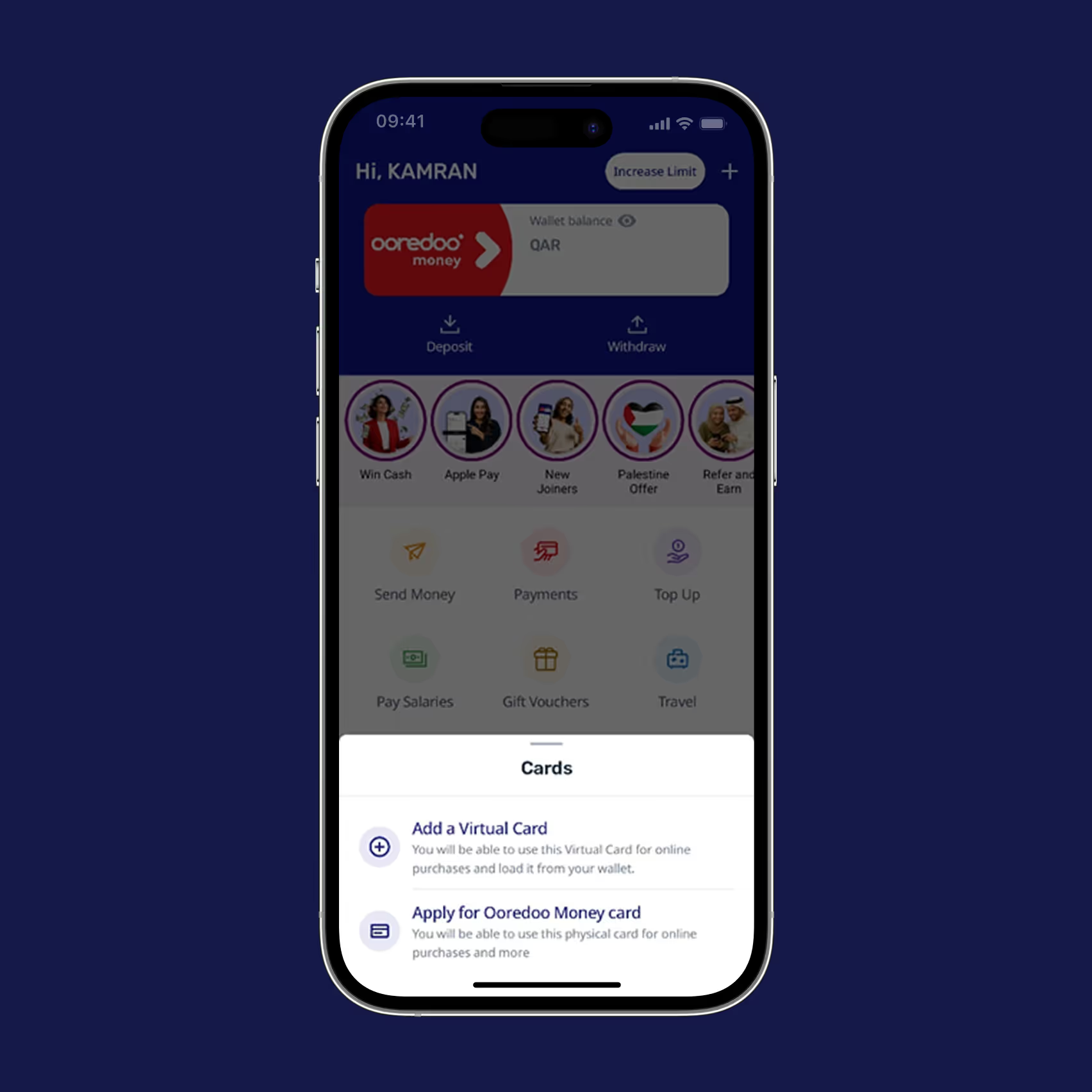
Tap the "+" 

and select "Apply for a Card".

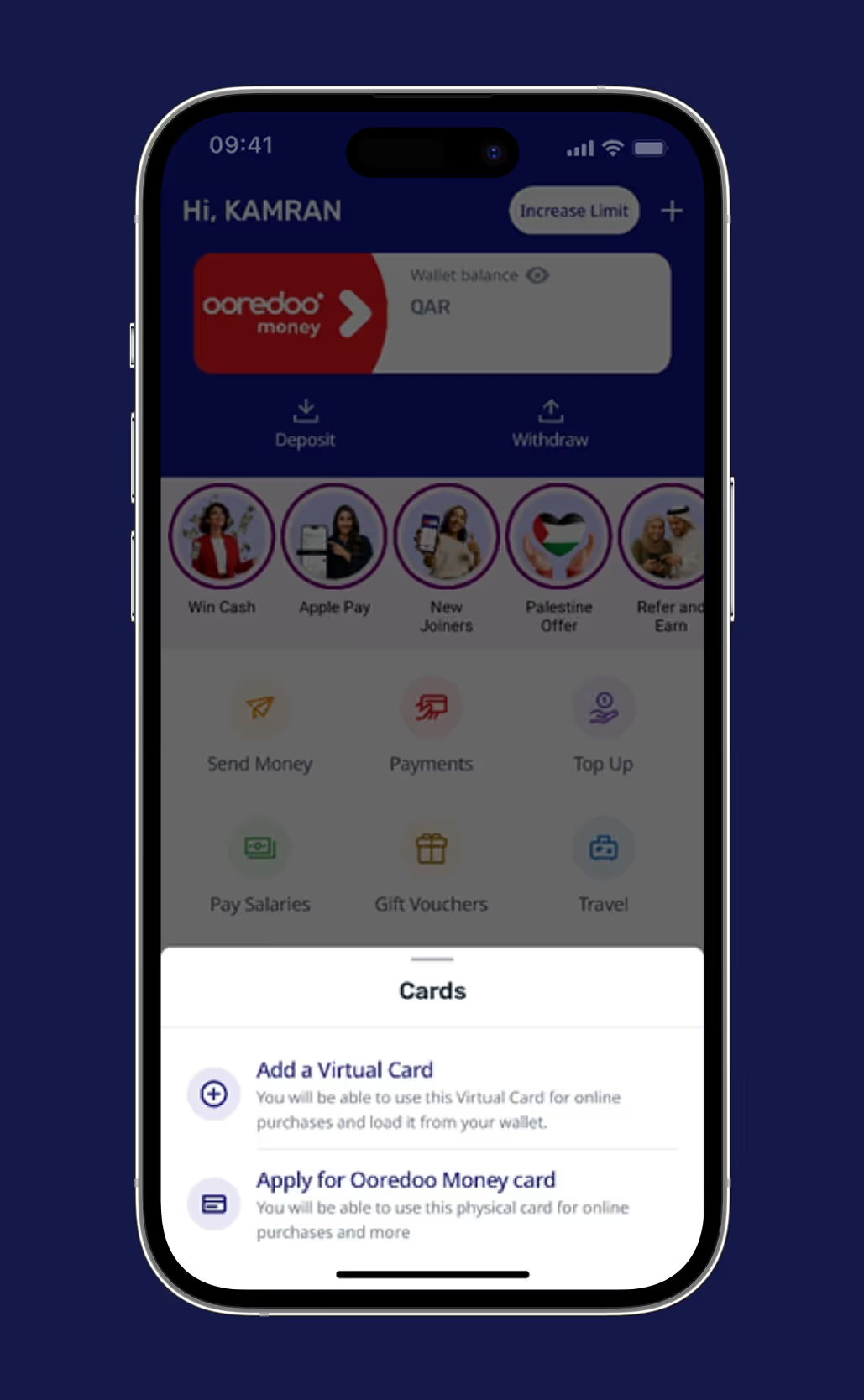
Mobile screen showing Ooredoo Money app with wallet balance, options for deposit, withdraw, send money, payments, and card services to add a virtual card or apply for a physical card.Mobile screen showing Ooredoo Money app with wallet balance, options for deposit, withdraw, and services like Send Money, Payments, and Travel; cards section offers to add a virtual card or apply for an Ooredoo Money physical card.
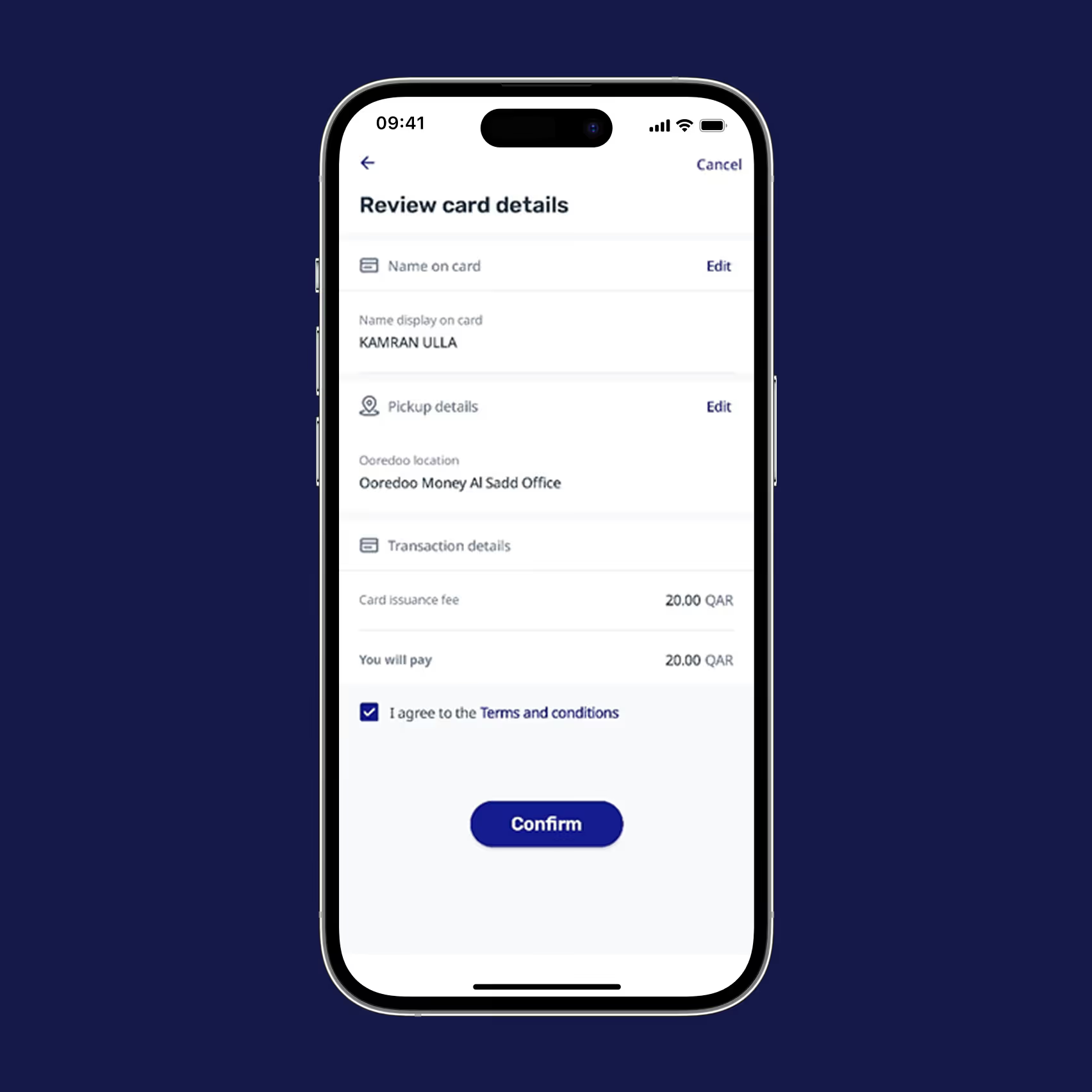
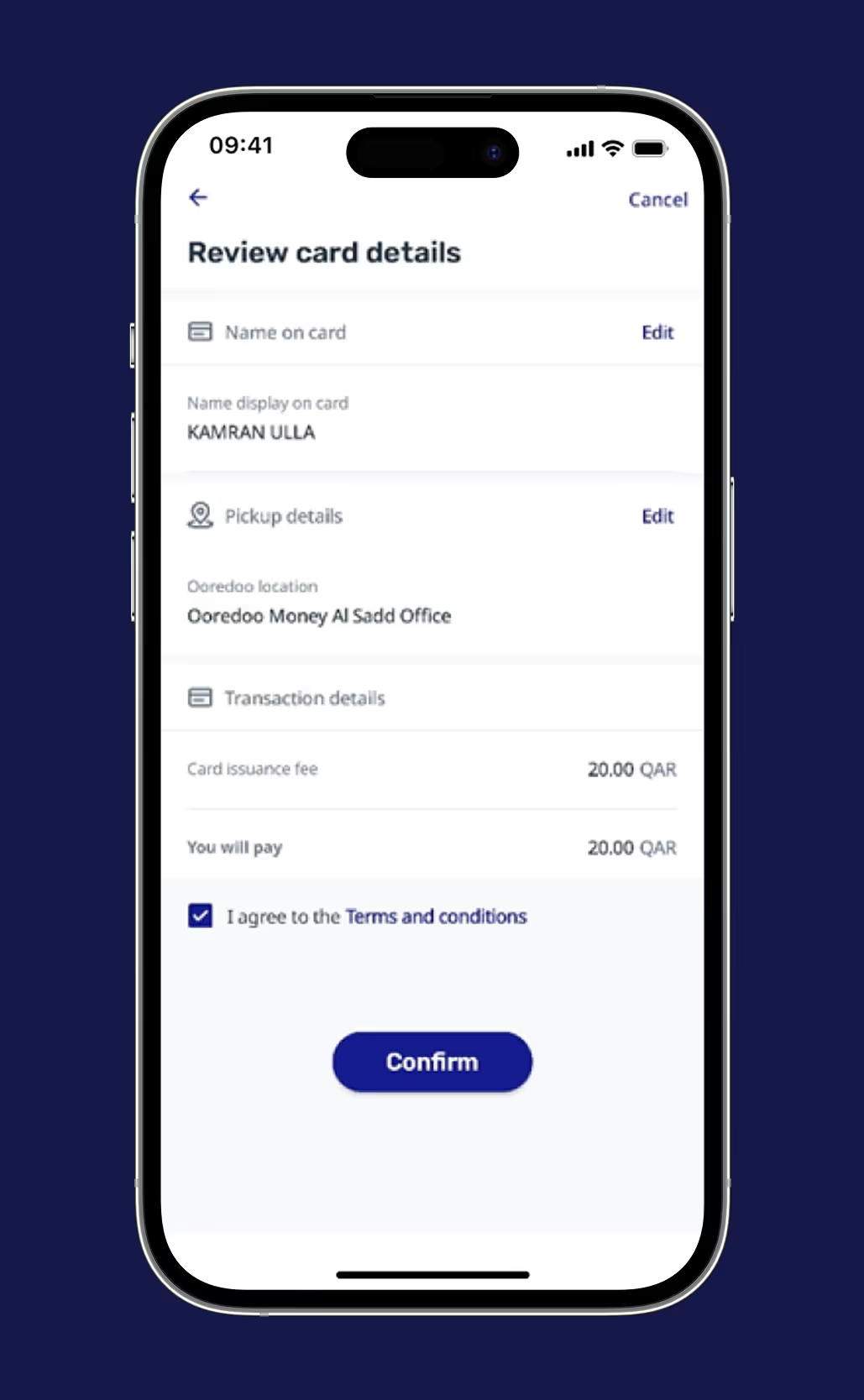
Mobile screen showing review card details for Kamran Ulla, pickup location at Ooredoo Money Al Sadd Office, card fee 20 QAR, with terms acceptance and confirm button.Mobile screen showing a form to review card details with sections for name Kamran Ulla, pickup location Ooredoo Money Al Sadd Office, a card issuance fee of 20.00 QAR, and a confirm button below.

Step 3

Confirm from
your Ooredoo Money wallet.

Step 4

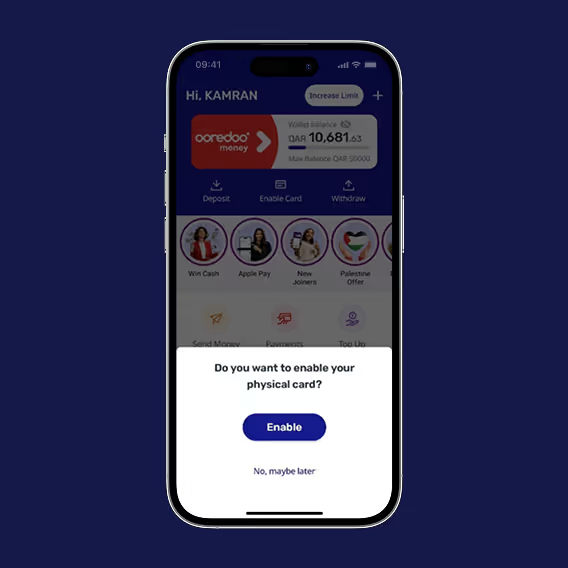
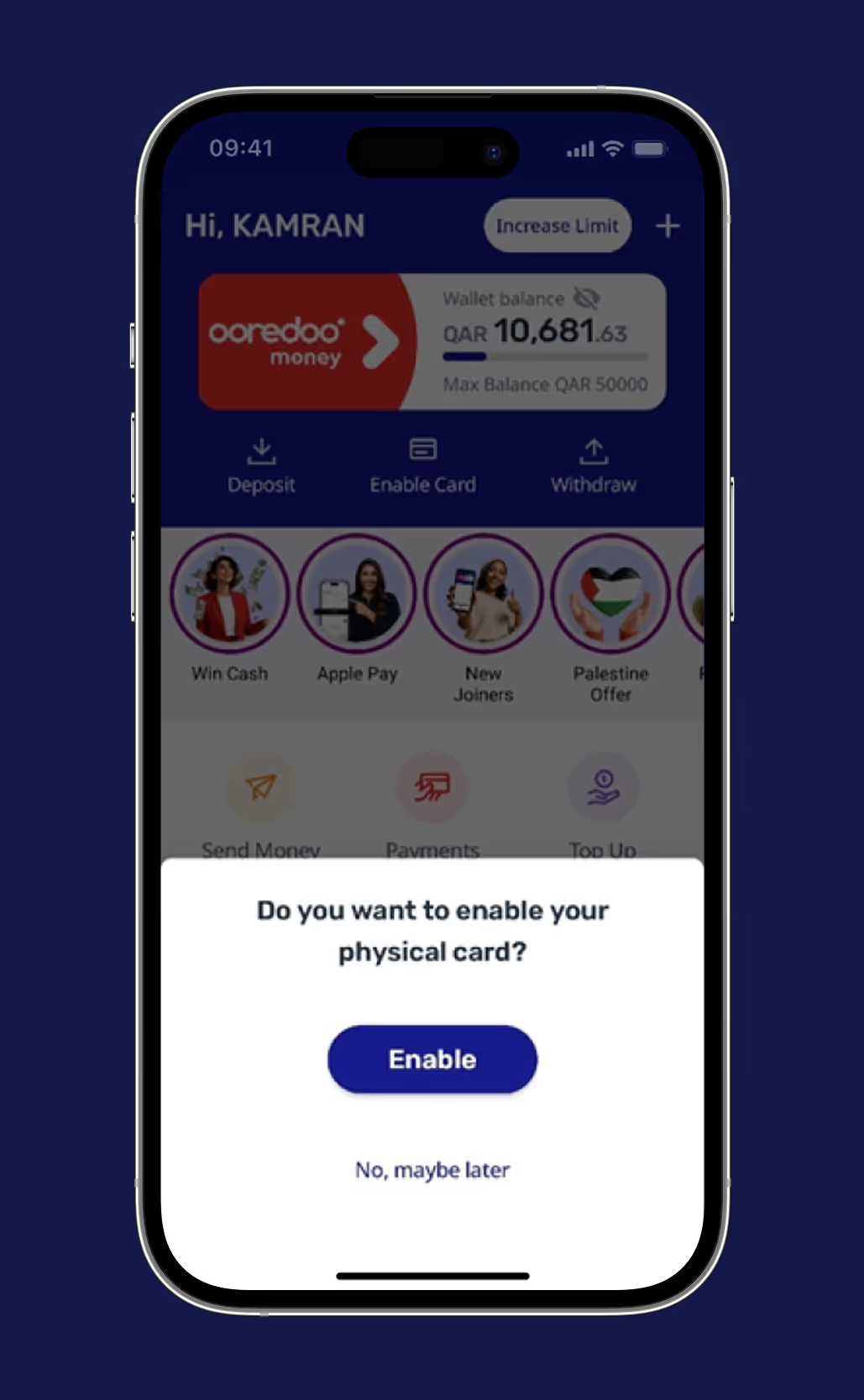
Once you get your physical card - Enable it from the app - Ready to use instantly

Mobile app screen showing wallet balance and a prompt asking to enable a physical card with options to Enable or choose No, maybe later.Mobile app screen showing wallet balance and a popup asking if the user wants to enable their physical card with options 'Enable' and 'No, maybe later'.

Win an iPhone 17

Pro Max!

Apply for your Ooredoo Money Card and get a chance to win.

6 iPhones to win! Every applicant joins the raffle.

One winner will be announced every 15 days. Promo runs from 15th Dec 2025 to 8 Mar 2026.

Winners will be announced on the website.
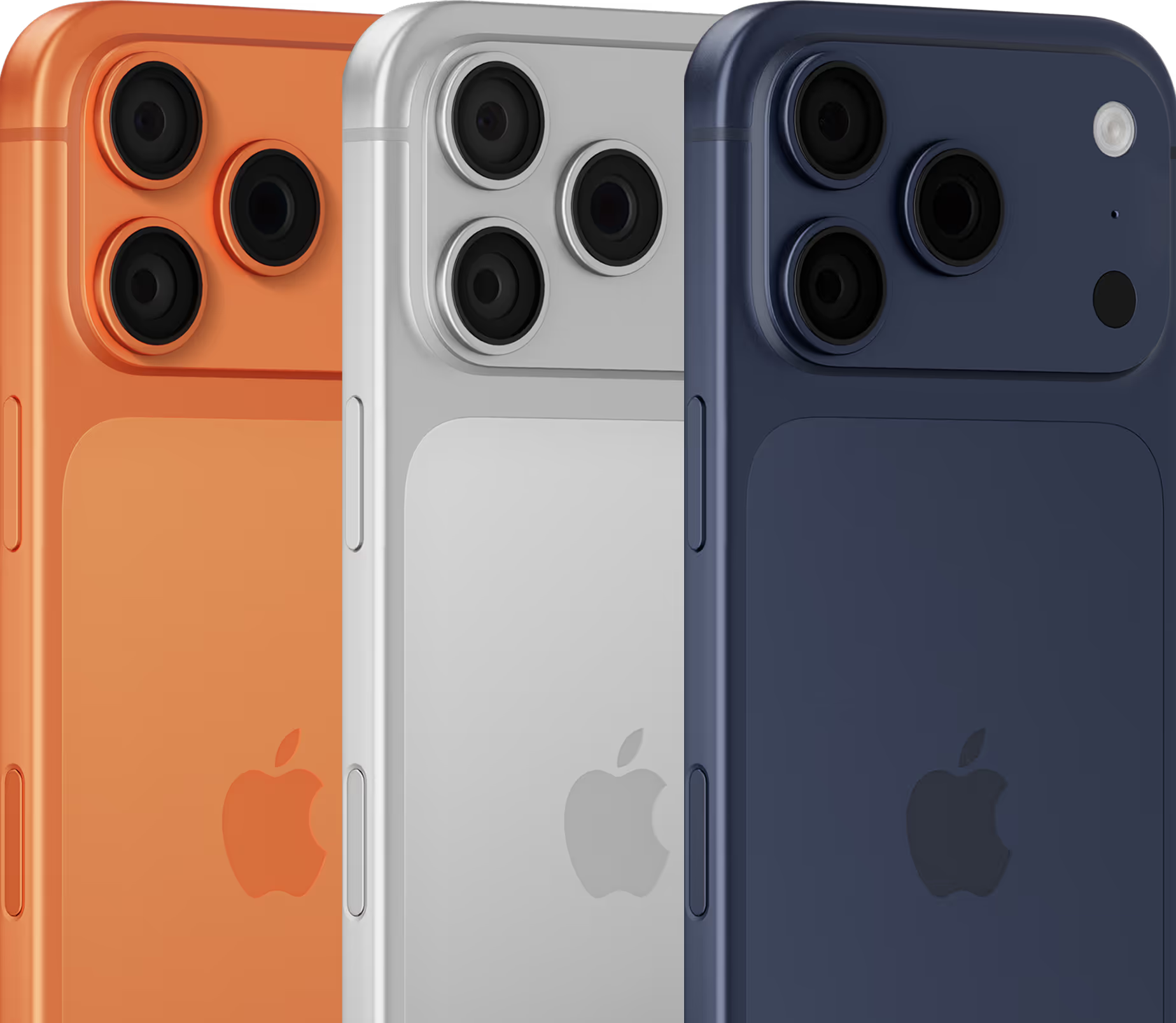
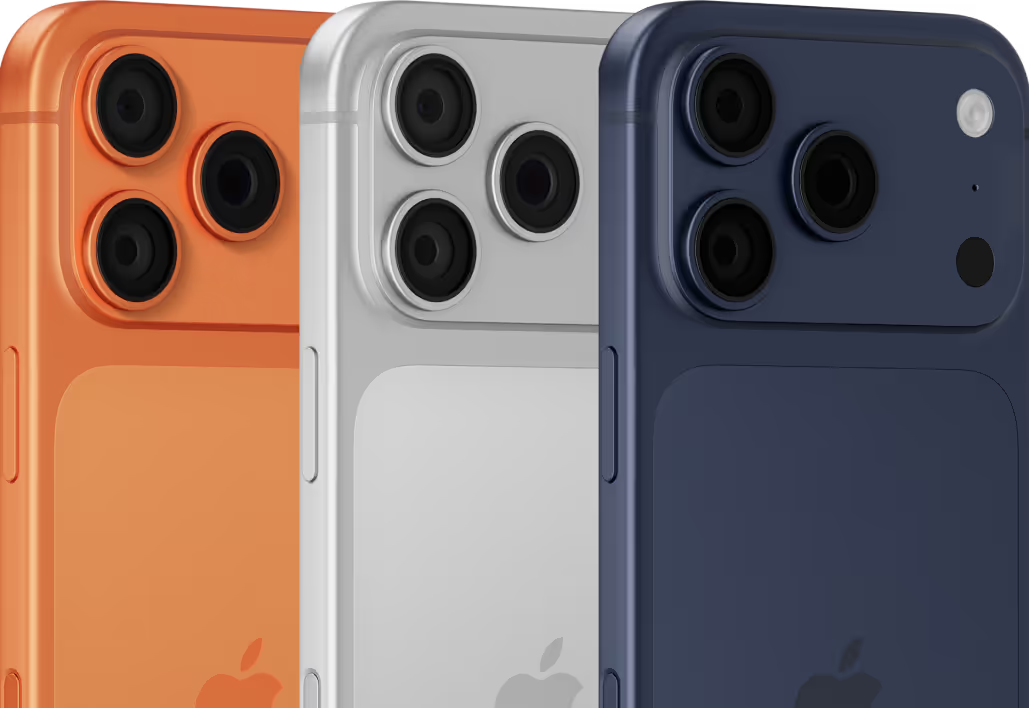
Three Apple iPhones in orange, silver, and blue showing their triple-camera systems and Apple logos on the back.Three iPhones in orange, silver, and blue colors showing the rear triple camera setup.

Terms & Conditions

  1. Open to all Ooredoo Money customers who don’t have an Ooredoo Money card in Qatar (except Ooredoo staff/family).
  2. Apply for the card in the app to join the draw.
  3. Six winners (one every 15 days) will get an iPhone 17 Pro Max 256GB.
  4. Winners will be picked randomly and notified by SMS or call.
  5. Prizes cannot be exchanged or transferred.
  6. Only customers who apply for the card and activate it will be eligible.
  7. Ooredoo may change the promo or rules at any time in line with the government regulations.
UPGRADE FOR A BETTER FUTURE

Get started with just your QID and a selfie today

Whether it’s sending love home or paying for life’s essentials — Ooredoo Money makes it possible.
Download now
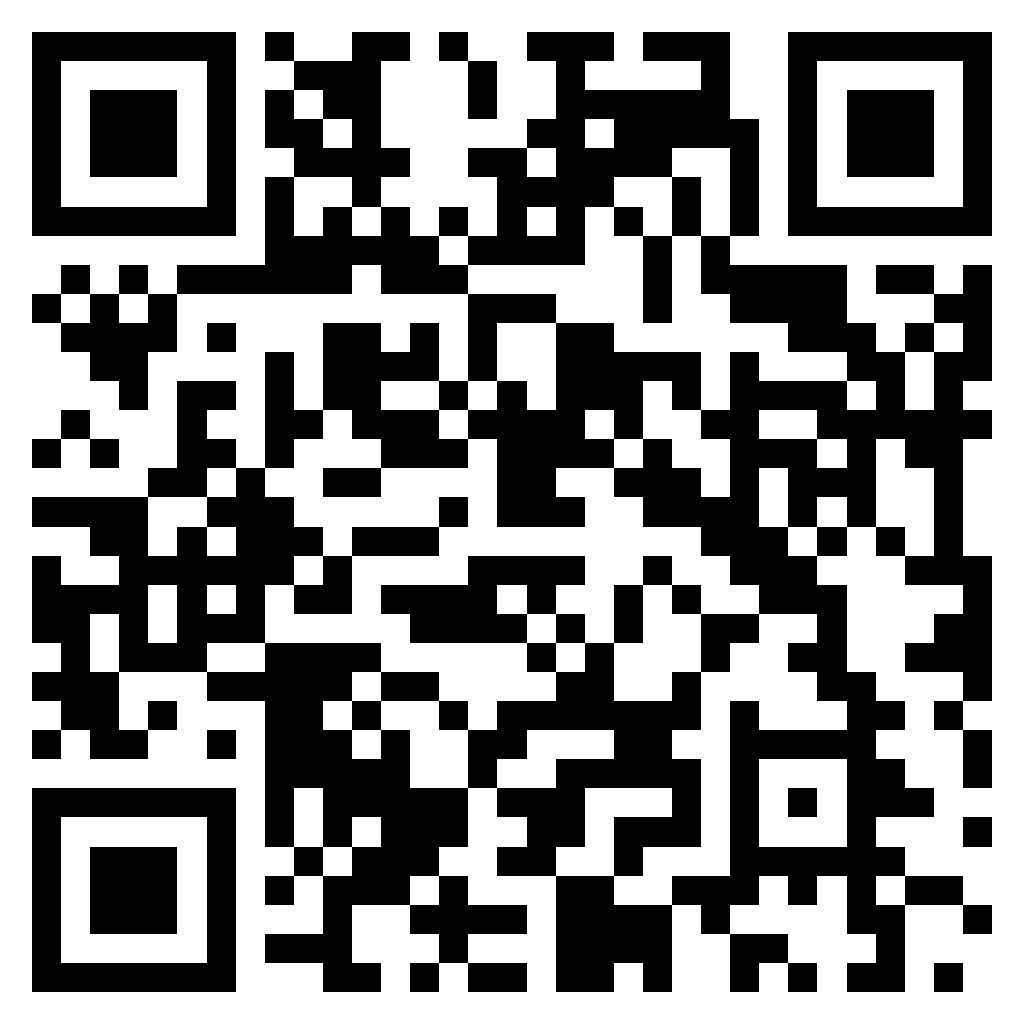
Scan and download
Ooredoo Money Qatar - Download App
Scan this QR code to download the Ooredoo Money app.