Download now
عربي





.avif)














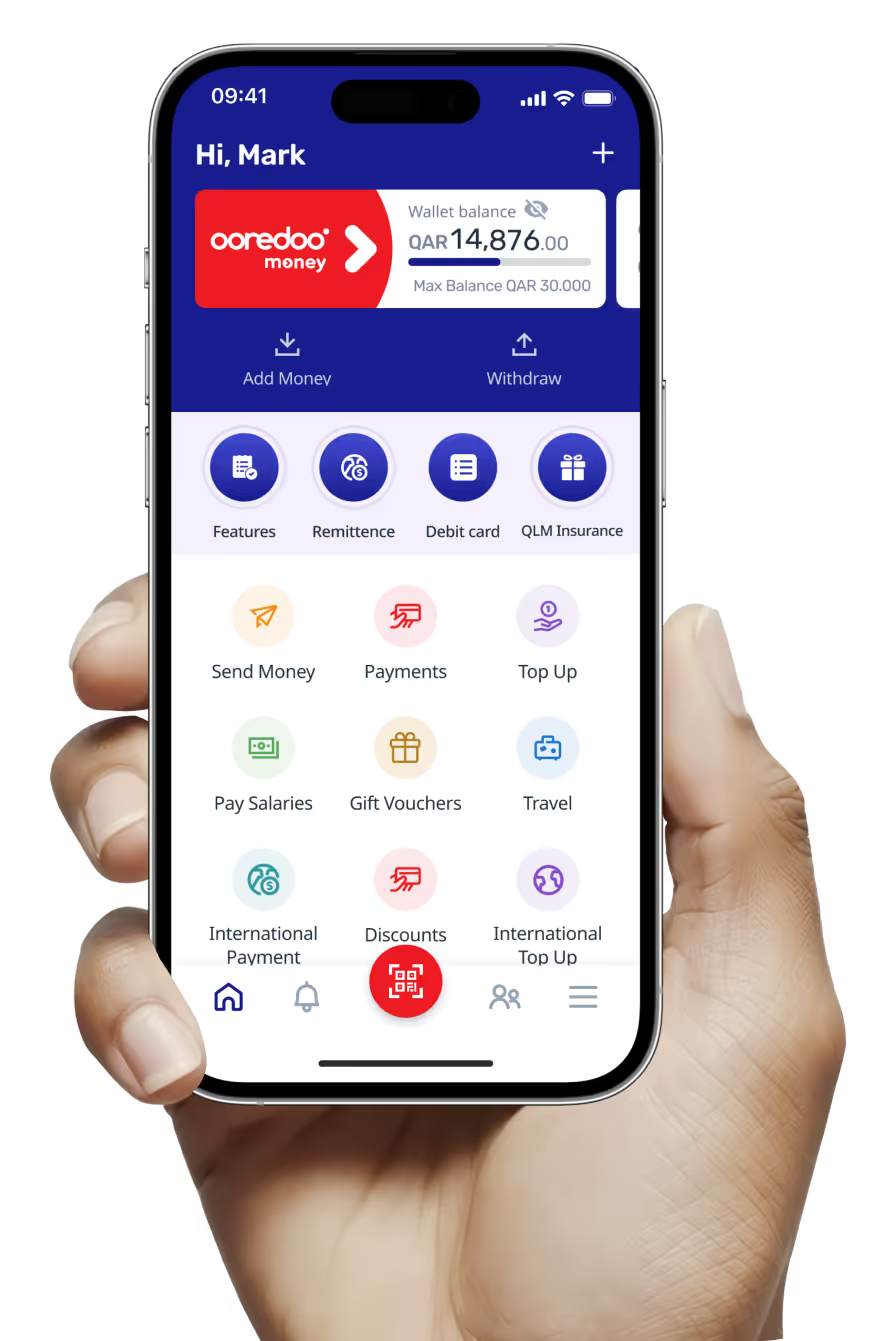
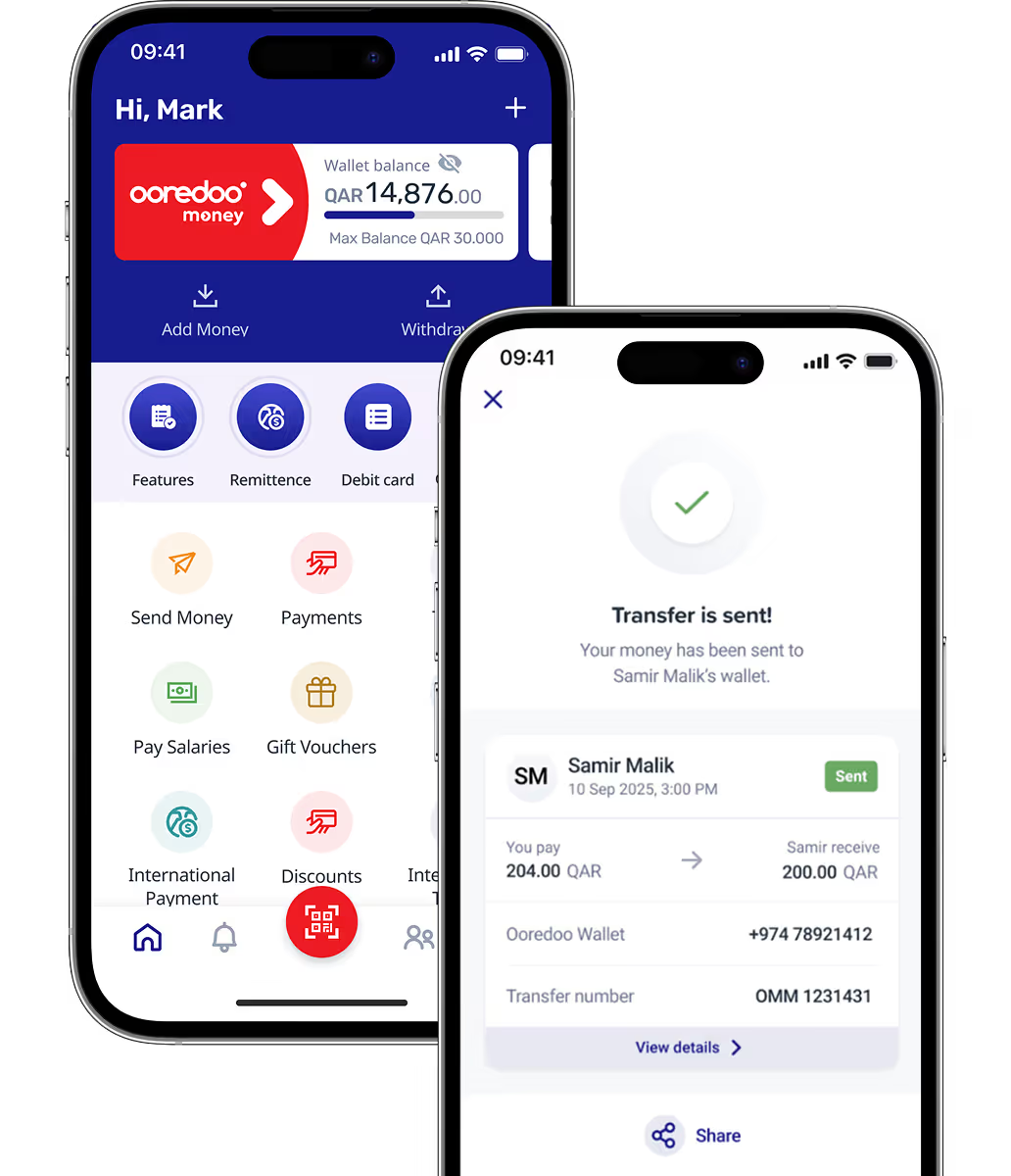
Start by downloading the Ooredoo Money app from App Store or Google Play. You’ll only need your QID and a valid mobile phone number to sign up. The app will ask you to input your information, scan your QID, and record a selfie video to verify your identity. Once verified, you can start enjoying your mobile wallet in full.
You can add money from any bank’s debit card directly in the app, or transfer money from any bank in Qatar using your wallet’s unique IBAN. You can also transfer funds from your QNB account using QNB’s EazyPay service.
Yes! Visit any Ooredoo Self-Service Machine (SSM) and follow the instructions.
You can obtain a Virtual Mastercard to make secure online payments.
You can instantly generate your digital MasterCard in the OM app.
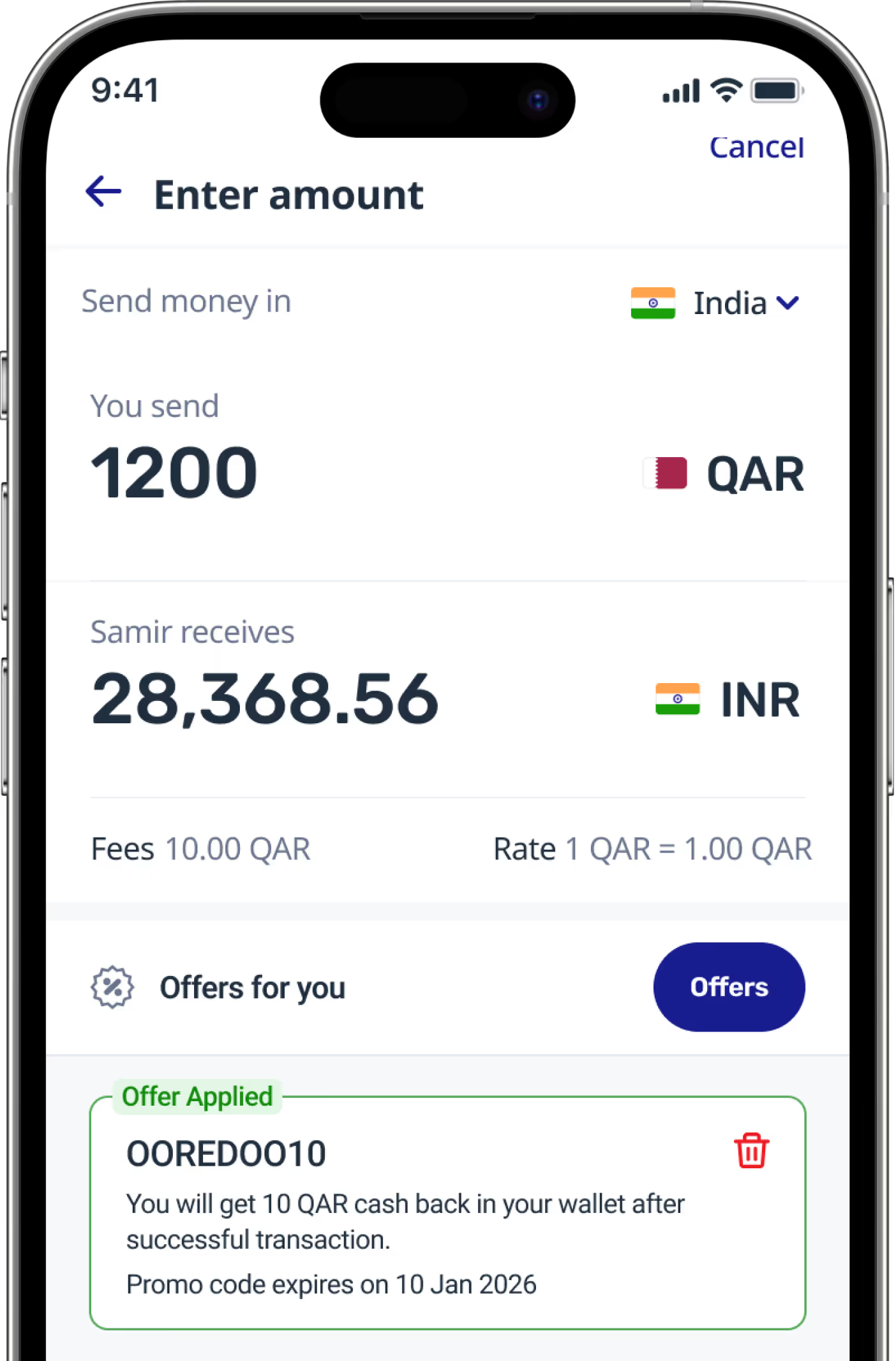
You can send money to over 200 countries through our partners specialising in financial and exchange services, such as MoneyGram, Western Union, Al Dar Exchange, or Al Zaman Exchange.
Our competitive fees start at QR 20 and may vary depending on the country, service provider, or transaction amount.
Depending on the recipient country, transfers are typically processed within 24 to 72 hours.
Yes, the Ooredoo Money app will display the transfer fee and exchange rate before you confirm a transaction.
Charges depend on the transaction amount, starting at QR 2 for small amounts.
Of course! You can transfer money instantly to any Ooredoo Money Wallet within Qatar. You can also transfer money instantly to any local wallet registered in QMP
You can transfer money to bank accounts, including QNB accounts, at a fee of QR 4.
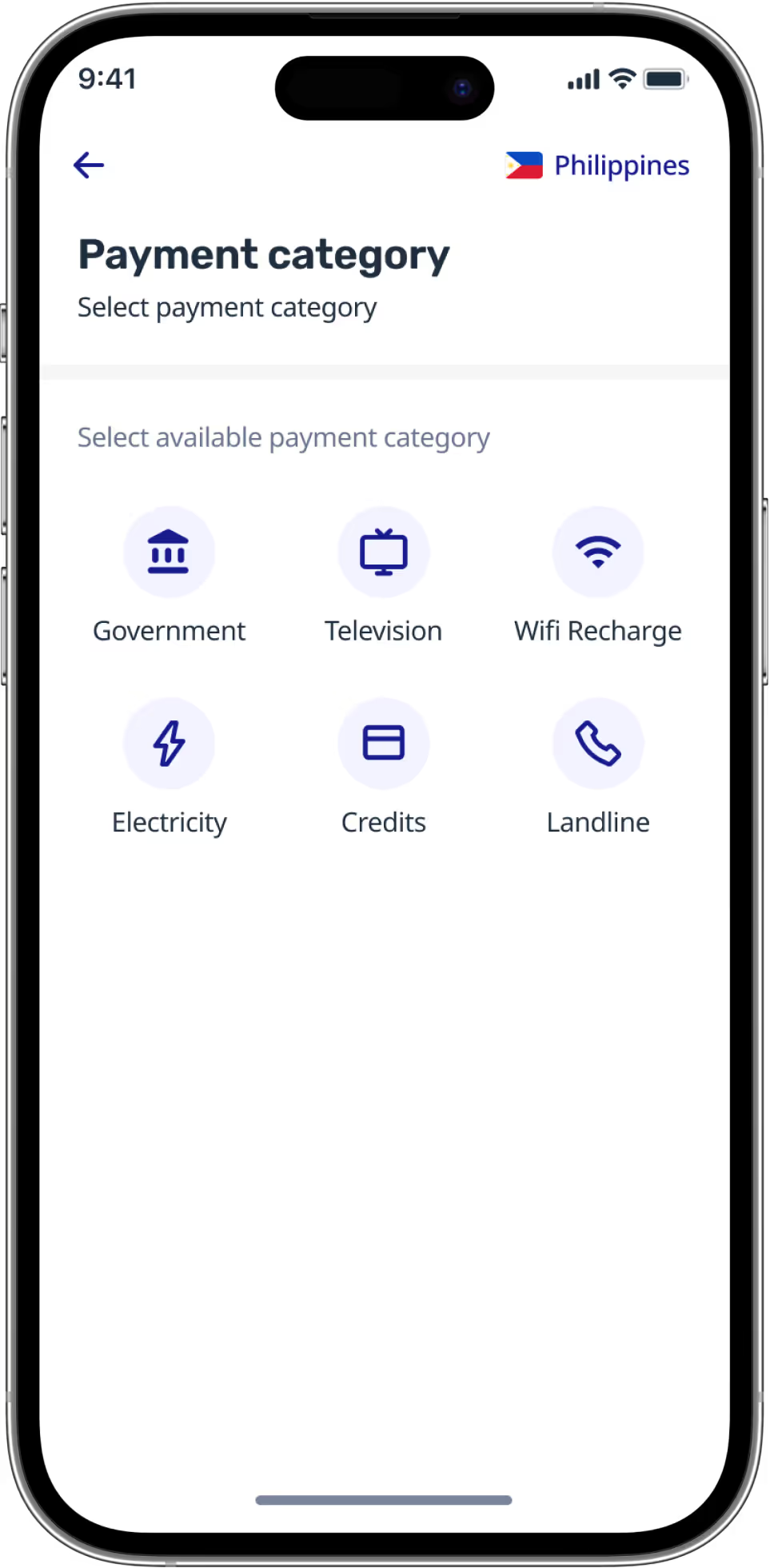
You can cover your Ooredoo Postpaid (Shahry) bills, utility bills, and other recurring payments directly in the OM app.
You can currently set up bill payments in Egypt and Pakistan, India, and Kenya — with more countries coming soon.
No additional charges apply for bills paid within Qatar. However, a small fee will be charged for international bill payments.
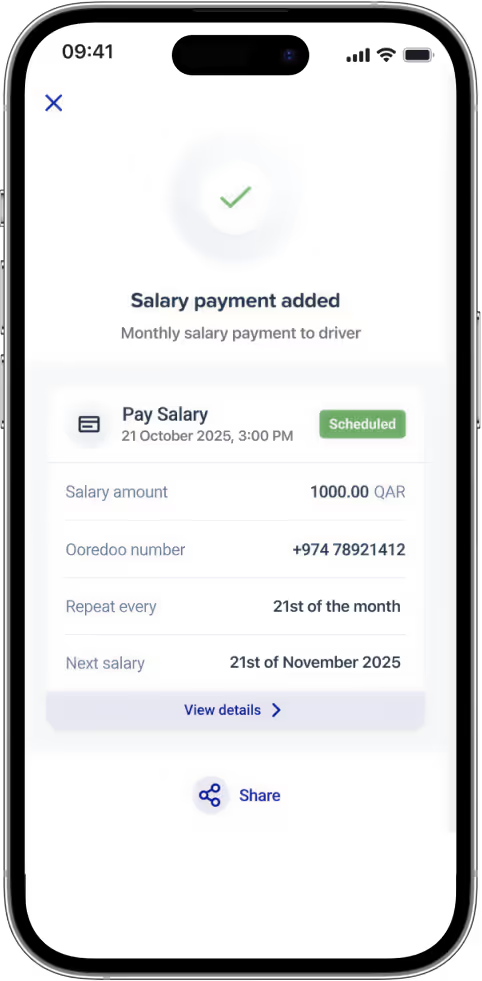
If your domestic worker has an Ooredoo Money account, you can use the Domestic Workers Salary Payment feature to transfer the salary directly to their mobile wallet. A fee of QR 10 is applicable for each payment.
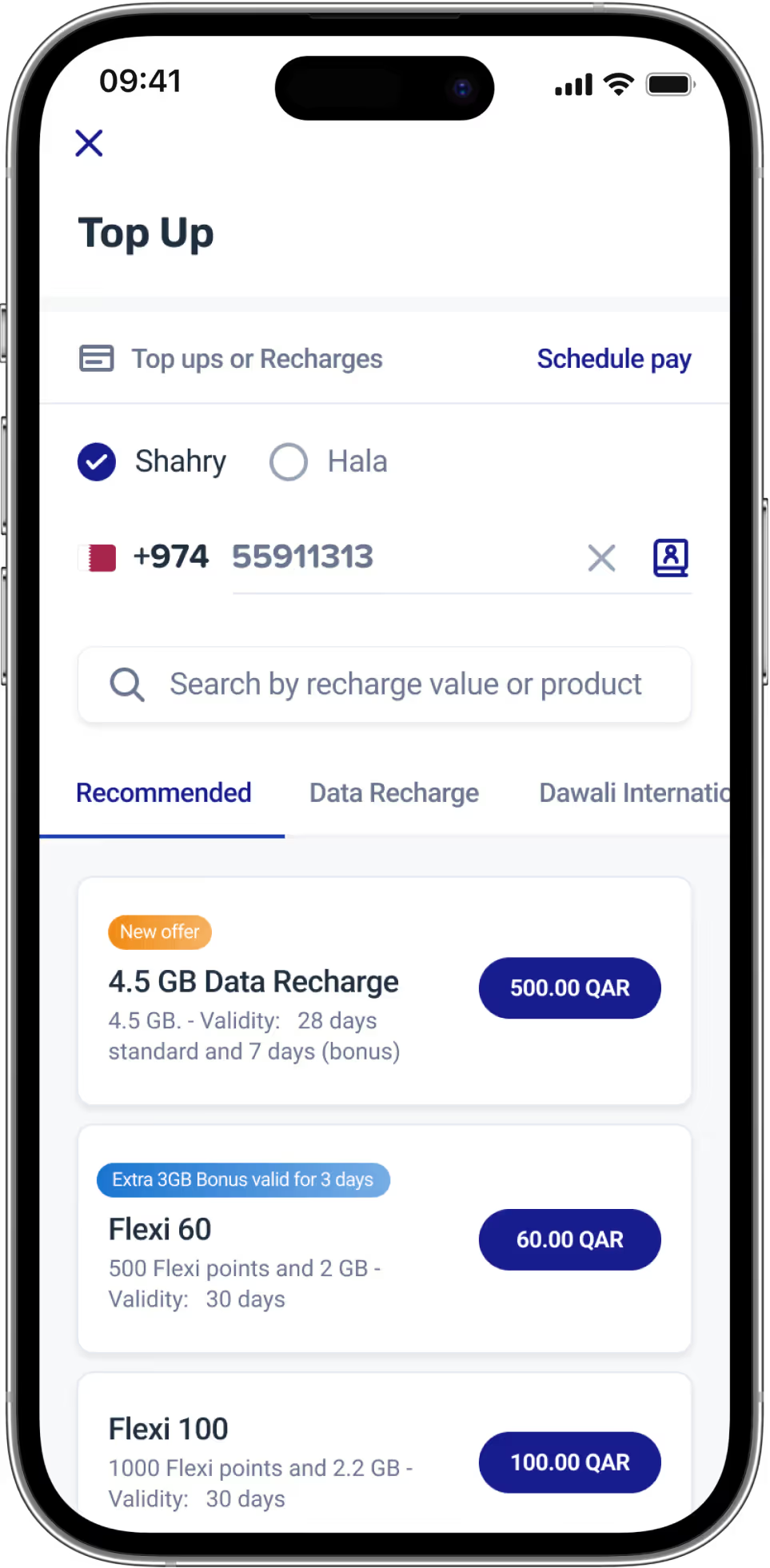
Yes – this applies to Ooredoo services only. You can recharge your Ooredoo Prepaid (Hala) accounts and purchase data packs from Ooredoo.
Yes, international top-ups are available for over 80 countries.
Fraudsters may use tricks to fool you, so stay alert. Do not click on unknown links or share your OTP, even if the message appears to come from Ooredoo Money. We will never ask for your mPIN, OTP, or account information over WhatsApp or phone. If something sounds too good to be true, it probably is, so do not trust fake giveaways. If you notice anything suspicious, call our Hotline at 40157777 immediately.
If you suspect fraud, act quickly. Change your mPIN in the app right away. Then call 40157777 to report the issue. Review your transaction history and check for any strange activity. Do not engage with anyone asking for your personal information—block and report them. If your SIM is not working, it could be a SIM swap, so contact Ooredoo immediately.
You can reach us on our Hotline at 40157777. We will never contact you through WhatsApp, social media, or unknown numbers to ask for personal information.
SIM swap fraud happens when someone takes control of your mobile number to steal your money. To protect yourself, set a SIM PIN as soon as possible. Never share your personal details with strangers. If your SIM suddenly becomes inactive, call Ooredoo right away.
Scammers might use your QID or edited photos to open fake accounts. To stay safe, do not share QID photos online. Always double-check any emails or SMS from Ooredoo Money. Report any suspicious account activity linked to your name. If you think someone is using your identity, call 40157777 immediately.
If someone asks you to receive money for them, it may be a sign of a mule account. Do not agree to it because it could involve stolen funds. Your account might get blocked permanently. You could also face legal consequences. Always remember that your wallet is your responsibility.
Fraudsters sometimes split stolen money into smaller transfers to avoid detection. Look out for repeated small cash-ins or cash-outs. Be cautious if you receive money from unknown sources. If anything looks suspicious, call 40157777 right away.
No, this is a scam. We only promote offers through the Ooredoo Money app, our official website, or verified SMS and social media accounts. If you are ever unsure, call 40157777 to check.
Apple Pay is an additional option. Customers can still cash-in using their physical Debit Card.
Cash-in through Apple Pay for Ooredoo Money is only supported for Debit Cards. Transactions using Credit Card will fail and the customer will be routed back to the app.
Apple Pay option will be unavailable for customers who don't have their Debit Card setup with Apple Pay Wallet. Customers need to contact their bank to get additional information. Alternatively, customers can complete the cash-in using their physical Debit Card through NAPS.
No change to the app journey. In the Deposit option for Apple users, there will be an option to use Apple Pay after you input the amount and agree to proceed with cash-in.
Currently, only Apple / iOS users have the option to avail cash-in through Apple Pay if their Debit Card is enabled/linked to their Apple Wallet.
Start by downloading the Ooredoo Money app from App Store or Google Play. You’ll only need your QID and a valid mobile phone number to sign up. The app will ask you to input your information, scan your QID, and record a selfie video to verify your identity. Once verified, you can start enjoying your mobile wallet in full.
You can send money to over 200 countries through our partners specialising in financial and exchange services, such as MoneyGram, Western Union, Al Dar Exchange, or Al Zaman Exchange.
Charges depend on the transaction amount, starting at QR 2 for small amounts.
You can cover your Ooredoo Postpaid (Shahry) bills, utility bills, and other recurring payments directly in the OM app.
Yes – this applies to Ooredoo services only. You can recharge your Ooredoo Prepaid (Hala) accounts and purchase data packs from Ooredoo.
Yes, all salary payments made with Ooredoo Money fully comply with Qatar’s labour laws, including the WPS (Wage Protection System).
Yes, bulk disbursement allows you to send payments to multiple recipients simultaneously, saving time and money otherwise spent on administrative tasks.
Yes! The “Scan and pay” solution using a QR code is fully compliant and perfect for quick, secure transactions made anytime, anywhere.
Fraudsters may use tricks to fool you, so stay alert. Do not click on unknown links or share your OTP, even if the message appears to come from Ooredoo Money. We will never ask for your mPIN, OTP, or account information over WhatsApp or phone. If something sounds too good to be true, it probably is, so do not trust fake giveaways. If you notice anything suspicious, call our Hotline at 40157777 immediately.
Apple Pay is an additional option. Customers can still cash-in using their physical Debit Card.
You can add money from any bank’s debit card directly in the app, or transfer money from any bank in Qatar using your wallet’s unique IBAN. You can also transfer funds from your QNB account using QNB’s EazyPay service.
Our competitive fees start at QR 20 and may vary depending on the country, service provider, or transaction amount.
Of course! You can transfer money instantly to any Ooredoo Money Wallet within Qatar. You can also transfer money instantly to any local wallet registered in QMP
You can currently set up bill payments in Egypt and Pakistan, India, and Kenya — with more countries coming soon.
Yes, international top-ups are available for over 80 countries.
To use the salary payment service, you will need to upload your employees’ details, including their salary amounts, through the Ooredoo Money portal.
This solution allows you to pay incentives, bonuses, allowances, or refunds to your employees in bulk.
Show your customers your generated QR code, which they can scan using the Ooredoo Money app to complete the payment in seconds.
If you suspect fraud, act quickly. Change your mPIN in the app right away. Then call 40157777 to report the issue. Review your transaction history and check for any strange activity. Do not engage with anyone asking for your personal information—block and report them. If your SIM is not working, it could be a SIM swap, so contact Ooredoo immediately.
Cash-in through Apple Pay for Ooredoo Money is only supported for Debit Cards. Transactions using Credit Card will fail and the customer will be routed back to the app.
Yes! Visit any Ooredoo Self-Service Machine (SSM) and follow the instructions.
Depending on the recipient country, transfers are typically processed within 24 to 72 hours.
You can transfer money to bank accounts, including QNB accounts, at a fee of QR 4.
No additional charges apply for bills paid within Qatar. However, a small fee will be charged for international bill payments.
Yes, we can provide this service to any business running an online shop.
You can reach us on our Hotline at 40157777. We will never contact you through WhatsApp, social media, or unknown numbers to ask for personal information.
Apple Pay option will be unavailable for customers who don't have their Debit Card setup with Apple Pay Wallet. Customers need to contact their bank to get additional information. Alternatively, customers can complete the cash-in using their physical Debit Card through NAPS.
You can obtain a Virtual Mastercard to make secure online payments.
Yes, the Ooredoo Money app will display the transfer fee and exchange rate before you confirm a transaction.
If your domestic worker has an Ooredoo Money account, you can use the Domestic Workers Salary Payment feature to transfer the salary directly to their mobile wallet. A fee of QR 10 is applicable for each payment.
Provided by our trusted partner, this solution ensures maximum security. It also includes fraud monitoring tools to avoid any additional risk.
SIM swap fraud happens when someone takes control of your mobile number to steal your money. To protect yourself, set a SIM PIN as soon as possible. Never share your personal details with strangers. If your SIM suddenly becomes inactive, call Ooredoo right away.
No change to the app journey. In the Deposit option for Apple users, there will be an option to use Apple Pay after you input the amount and agree to proceed with cash-in.
You can instantly generate your digital MasterCard in the OM app.
The payment gateway supports debit/credit cards, mobile wallet payments, and other digital payment methods.
Scammers might use your QID or edited photos to open fake accounts. To stay safe, do not share QID photos online. Always double-check any emails or SMS from Ooredoo Money. Report any suspicious account activity linked to your name. If you think someone is using your identity, call 40157777 immediately.
Currently, only Apple / iOS users have the option to avail cash-in through Apple Pay if their Debit Card is enabled/linked to their Apple Wallet.
If someone asks you to receive money for them, it may be a sign of a mule account. Do not agree to it because it could involve stolen funds. Your account might get blocked permanently. You could also face legal consequences. Always remember that your wallet is your responsibility.
Fraudsters sometimes split stolen money into smaller transfers to avoid detection. Look out for repeated small cash-ins or cash-outs. Be cautious if you receive money from unknown sources. If anything looks suspicious, call 40157777 right away.
No, this is a scam. We only promote offers through the Ooredoo Money app, our official website, or verified SMS and social media accounts. If you are ever unsure, call 40157777 to check.
Yes, all salary payments made with Ooredoo Money fully comply with Qatar’s labour laws, including the WPS (Wage Protection System).
To use the salary payment service, you will need to upload your employees’ details, including their salary amounts, through the Ooredoo Money portal.
Yes, bulk disbursement allows you to send payments to multiple recipients simultaneously, saving time and money otherwise spent on administrative tasks.
This solution allows you to pay incentives, bonuses, allowances, or refunds to your employees in bulk.
Yes! The “Scan and pay” solution using a QR code is fully compliant and perfect for quick, secure transactions made anytime, anywhere.
Show your customers your generated QR code, which they can scan using the Ooredoo Money app to complete the payment in seconds.
Yes, we can provide this service to any business running an online shop.
Provided by our trusted partner, this solution ensures maximum security. It also includes fraud monitoring tools to avoid any additional risk.
The payment gateway supports debit/credit cards, mobile wallet payments, and other digital payment methods.
Start by downloading the Ooredoo Money app from App Store or Google Play. You’ll only need your QID and a valid mobile phone number to sign up. The app will ask you to input your information, scan your QID, and record a selfie video to verify your identity. Once verified, you can start enjoying your mobile wallet in full.
You can send money to over 200 countries through our partners specialising in financial and exchange services, such as MoneyGram, Western Union, Al Dar Exchange, or Al Zaman Exchange.
Charges depend on the transaction amount, starting at QR 2 for small amounts.
You can cover your Ooredoo Postpaid (Shahry) bills, utility bills, and other recurring payments directly in the OM app.
Yes – this applies to Ooredoo services only. You can recharge your Ooredoo Prepaid (Hala) accounts and purchase data packs from Ooredoo.
Yes, all salary payments made with Ooredoo Money fully comply with Qatar’s labour laws, including the WPS (Wage Protection System).
Yes, bulk disbursement allows you to send payments to multiple recipients simultaneously, saving time and money otherwise spent on administrative tasks.
Yes! The “Scan and pay” solution using a QR code is fully compliant and perfect for quick, secure transactions made anytime, anywhere.
Fraudsters may use tricks to fool you, so stay alert. Do not click on unknown links or share your OTP, even if the message appears to come from Ooredoo Money. We will never ask for your mPIN, OTP, or account information over WhatsApp or phone. If something sounds too good to be true, it probably is, so do not trust fake giveaways. If you notice anything suspicious, call our Hotline at 40157777 immediately.
Apple Pay is an additional option. Customers can still cash-in using their physical Debit Card.
You can add money from any bank’s debit card directly in the app, or transfer money from any bank in Qatar using your wallet’s unique IBAN. You can also transfer funds from your QNB account using QNB’s EazyPay service.
Our competitive fees start at QR 20 and may vary depending on the country, service provider, or transaction amount.
Of course! You can transfer money instantly to any Ooredoo Money Wallet within Qatar. You can also transfer money instantly to any local wallet registered in QMP
You can currently set up bill payments in Egypt and Pakistan, India, and Kenya — with more countries coming soon.
Yes, international top-ups are available for over 80 countries.
To use the salary payment service, you will need to upload your employees’ details, including their salary amounts, through the Ooredoo Money portal.
This solution allows you to pay incentives, bonuses, allowances, or refunds to your employees in bulk.
Show your customers your generated QR code, which they can scan using the Ooredoo Money app to complete the payment in seconds.
If you suspect fraud, act quickly. Change your mPIN in the app right away. Then call 40157777 to report the issue. Review your transaction history and check for any strange activity. Do not engage with anyone asking for your personal information—block and report them. If your SIM is not working, it could be a SIM swap, so contact Ooredoo immediately.
Cash-in through Apple Pay for Ooredoo Money is only supported for Debit Cards. Transactions using Credit Card will fail and the customer will be routed back to the app.
Yes! Visit any Ooredoo Self-Service Machine (SSM) and follow the instructions.
Depending on the recipient country, transfers are typically processed within 24 to 72 hours.
You can transfer money to bank accounts, including QNB accounts, at a fee of QR 4.
No additional charges apply for bills paid within Qatar. However, a small fee will be charged for international bill payments.
Yes, we can provide this service to any business running an online shop.
You can reach us on our Hotline at 40157777. We will never contact you through WhatsApp, social media, or unknown numbers to ask for personal information.
Apple Pay option will be unavailable for customers who don't have their Debit Card setup with Apple Pay Wallet. Customers need to contact their bank to get additional information. Alternatively, customers can complete the cash-in using their physical Debit Card through NAPS.
You can obtain a Virtual Mastercard to make secure online payments.
Yes, the Ooredoo Money app will display the transfer fee and exchange rate before you confirm a transaction.
If your domestic worker has an Ooredoo Money account, you can use the Domestic Workers Salary Payment feature to transfer the salary directly to their mobile wallet. A fee of QR 10 is applicable for each payment.
Provided by our trusted partner, this solution ensures maximum security. It also includes fraud monitoring tools to avoid any additional risk.
SIM swap fraud happens when someone takes control of your mobile number to steal your money. To protect yourself, set a SIM PIN as soon as possible. Never share your personal details with strangers. If your SIM suddenly becomes inactive, call Ooredoo right away.
No change to the app journey. In the Deposit option for Apple users, there will be an option to use Apple Pay after you input the amount and agree to proceed with cash-in.
You can instantly generate your digital MasterCard in the OM app.
The payment gateway supports debit/credit cards, mobile wallet payments, and other digital payment methods.
Scammers might use your QID or edited photos to open fake accounts. To stay safe, do not share QID photos online. Always double-check any emails or SMS from Ooredoo Money. Report any suspicious account activity linked to your name. If you think someone is using your identity, call 40157777 immediately.
Currently, only Apple / iOS users have the option to avail cash-in through Apple Pay if their Debit Card is enabled/linked to their Apple Wallet.
If someone asks you to receive money for them, it may be a sign of a mule account. Do not agree to it because it could involve stolen funds. Your account might get blocked permanently. You could also face legal consequences. Always remember that your wallet is your responsibility.
Fraudsters sometimes split stolen money into smaller transfers to avoid detection. Look out for repeated small cash-ins or cash-outs. Be cautious if you receive money from unknown sources. If anything looks suspicious, call 40157777 right away.
No, this is a scam. We only promote offers through the Ooredoo Money app, our official website, or verified SMS and social media accounts. If you are ever unsure, call 40157777 to check.